
Quick start
In about 15 minutes, run Key Guardian, initialize it, and set up a secret that only an attested workload can get.
You need Docker, and access to ghcr.io/eqtylab (ask EQTY Lab).
1. Start Key Guardian
docker login ghcr.io
docker run -d --name key-guardian -p 8080:80 \
  -e SECRET_KEY="$(openssl rand -hex 32)" \
  -e ENCRYPTION_KEY="$(python3 -c 'import base64,os;print(base64.urlsafe_b64encode(os.urandom(32)).decode())')" \
  -v kg-data:/app/web/instance \
  ghcr.io/eqtylab/vcomp-key-guardian:latest
This runs Key Guardian with a SQLite database in the kg-data volume. Open
http://localhost:8080.
2. Initialize it
- Select Create one, register, and sign in. The first account is the administrator.
- In Initialize Key Guardian, keep the Software key and select Continue.
- Enter a name, pick secp256r1, and select Generate root key.
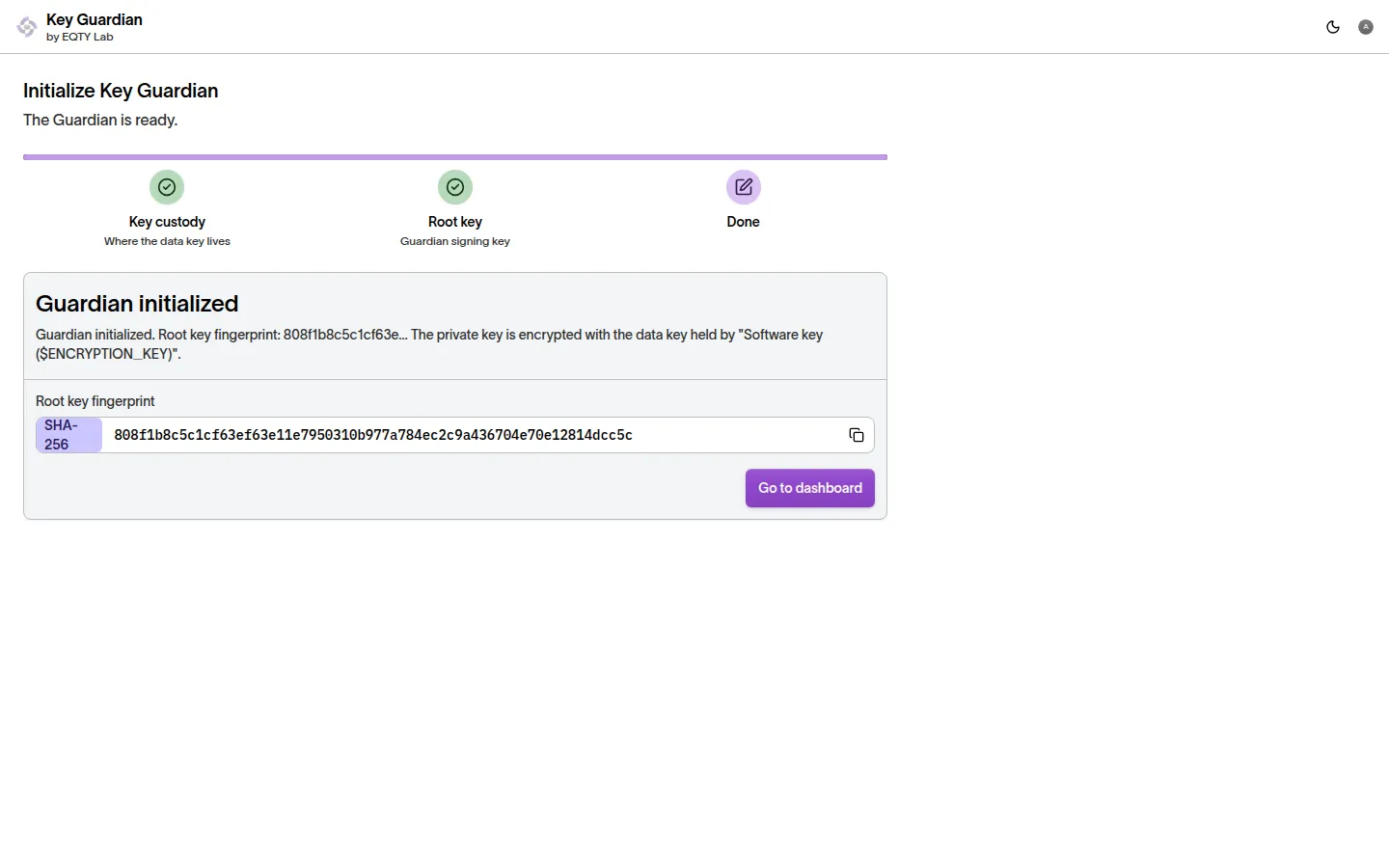
Initialize explains each step.
3. Create an instance and a secret
- Select Instances → Create instance, name it
my-workload, and create it. - Open Secrets → Add secret. Enter
api-keyas the handle, keep Password/Static Secret, enter a value, and select Save.
The Secrets page shows the workload handle, such as 1/api-key. That’s what the workload asks
for.
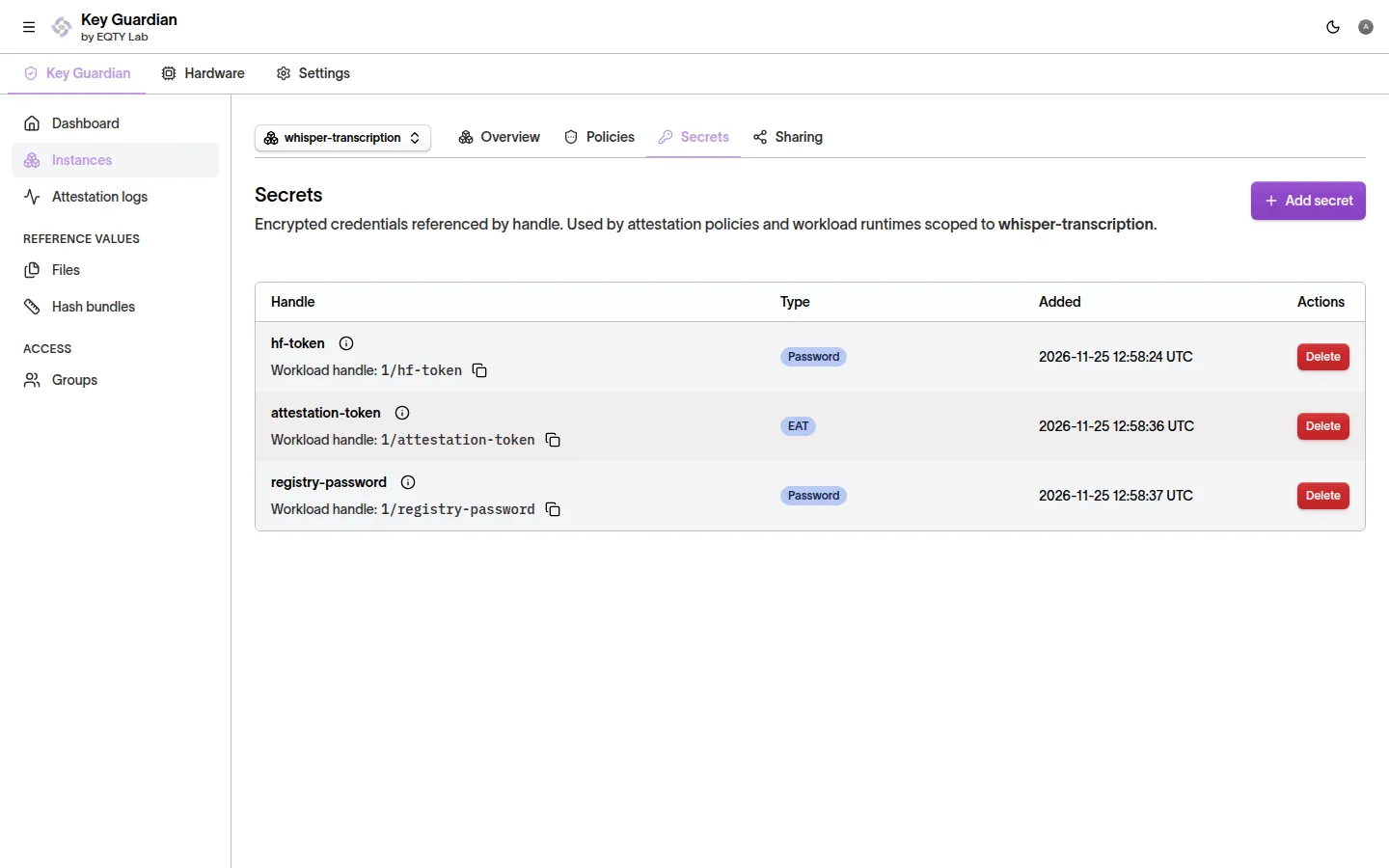
The new instance already has a policy: it releases secrets only to a Confidential Containers pod on one of EQTY’s approved PodVM images.
4. Request the secret from a workload
Inside a confidential workload with the EQTY Notary, the workload makes two calls: it gets a nonce, then sends the nonce signed by the notary, with the notary’s manifest.
GUARDIAN=https://guardian.example.com    # reachable from the workload
HANDLE=1/api-key
NONCE=$(curl -sf "$GUARDIAN/api/request-nonce" -H 'Content-Type: application/json' \
  -d "{\"secret_handle\": \"$HANDLE\"}" | jq -r .nonce)
# …have the notary sign $NONCE, then POST it with the manifest to /api/attest
Workload API has the complete script.
5. See the result
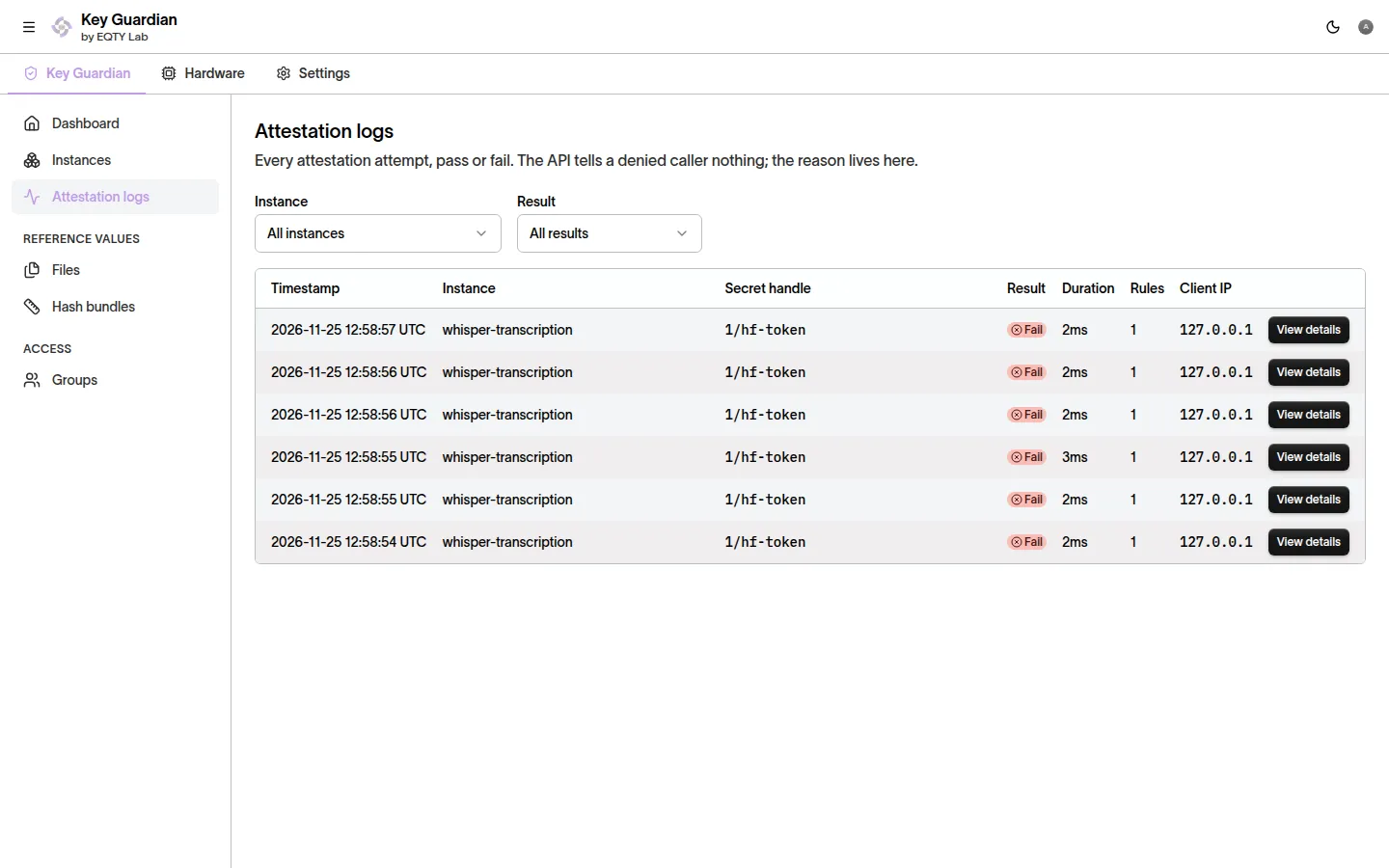
Open Attestation logs. Every attempt is there, passed or failed, with the reason.
Next
- How it works: what Key Guardian checks, and the pieces involved.
- Instances and secrets: the other secret types.
- Install: a production deployment with Docker Compose or Helm.