
Factory reset
Wipe the root key and hardware enrollments, or the whole deployment, and initialize again.
A factory reset starts Key Guardian over: to replace the root key (for example to change its curve), or to clear a test deployment. It can’t be undone.
Open /setup/reset as an administrator:
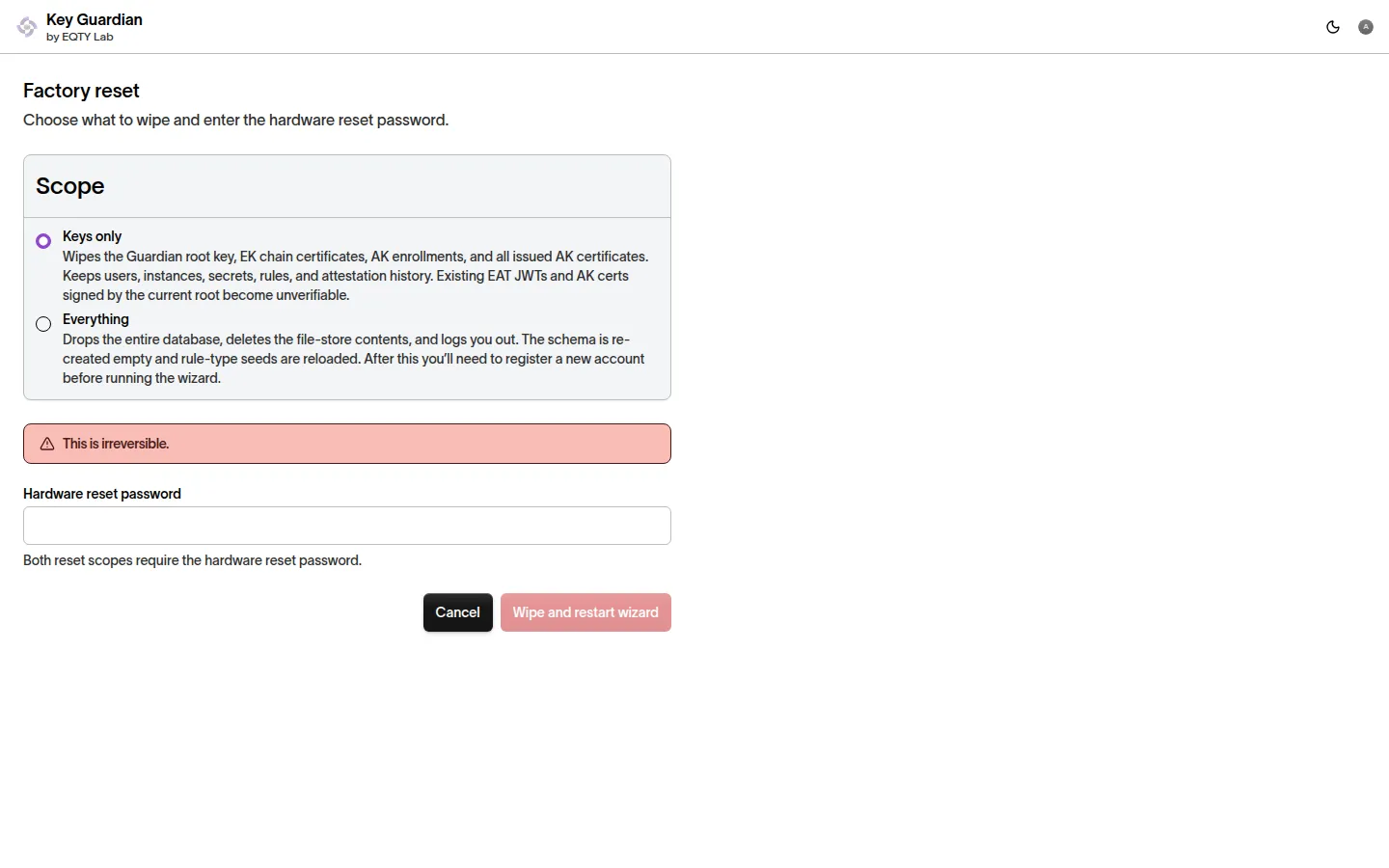
| Scope | Wipes | Keeps |
|---|---|---|
| Keys only | The root key, EK chains, TPM and Mac enrollments, AK certificates. | Users, instances, secrets, policies and logs. |
| Everything | The whole database and file store. You’re signed out. | Nothing. |
Enter the hardware reset password (ask EQTY Lab support for it), select Wipe and restart wizard, then initialize again. After Everything, register a new account first.